MULTI-CURRENCY BUDGET · IPHONE AND ANDROID
Pay in their currency. Budget in yours.
Noma logs every expense in the currency you paid and adds it up in yours. Trips get their own group, Health shows where the month will land, and couple sync puts one budget on two phones, end-to-end encrypted.


Free on iOS and Android · No sign-up · No bank login · No ads
Availability varies by country.
Health figures are estimates from your own numbers, not financial advice.
See how it works ↓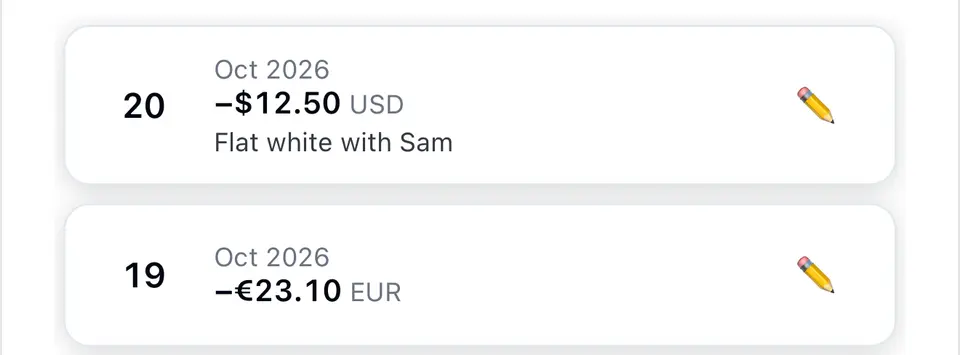
01 · CURRENCIES
Each expense keeps the currency you paid.
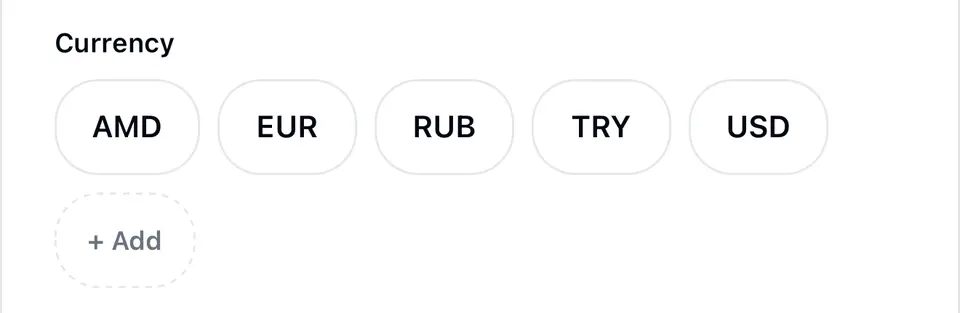
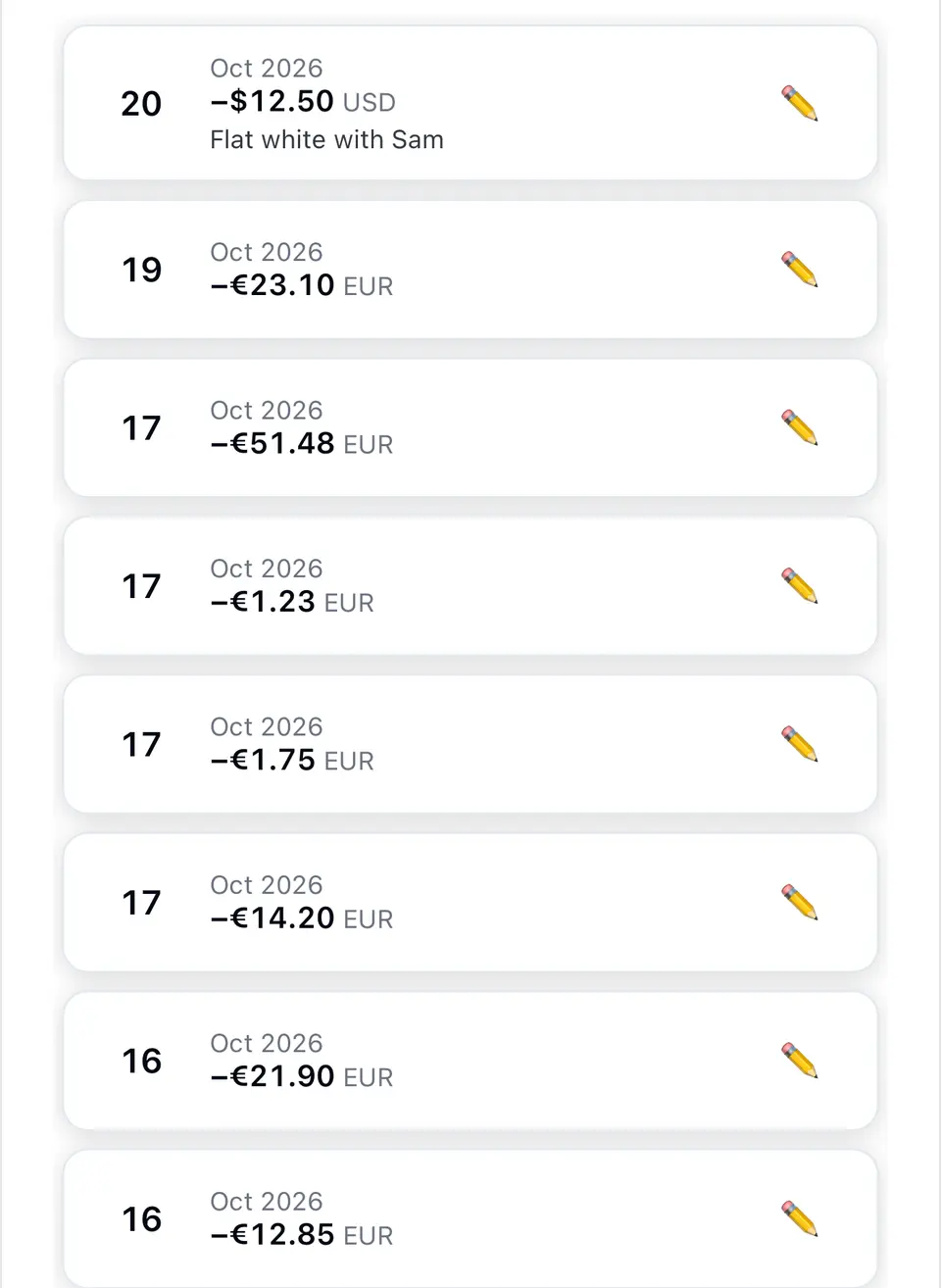
Your currencies sit as chips under the amount. Tap one and the expense is saved in that currency, with the rate Noma used to convert it. Budgets, totals and Health all add up in your main currency, so a month across three countries is still one number.
01
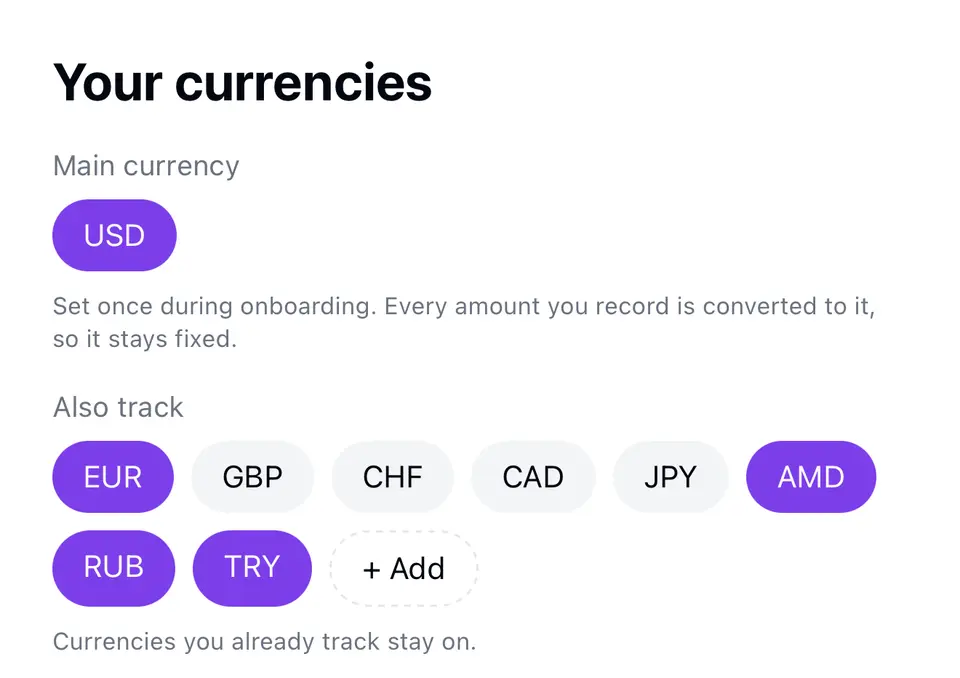
Pick your main currency once.
Every amount you record is converted to it.
02
Log it in the currency you paid.
Dollars and euros, side by side.
03
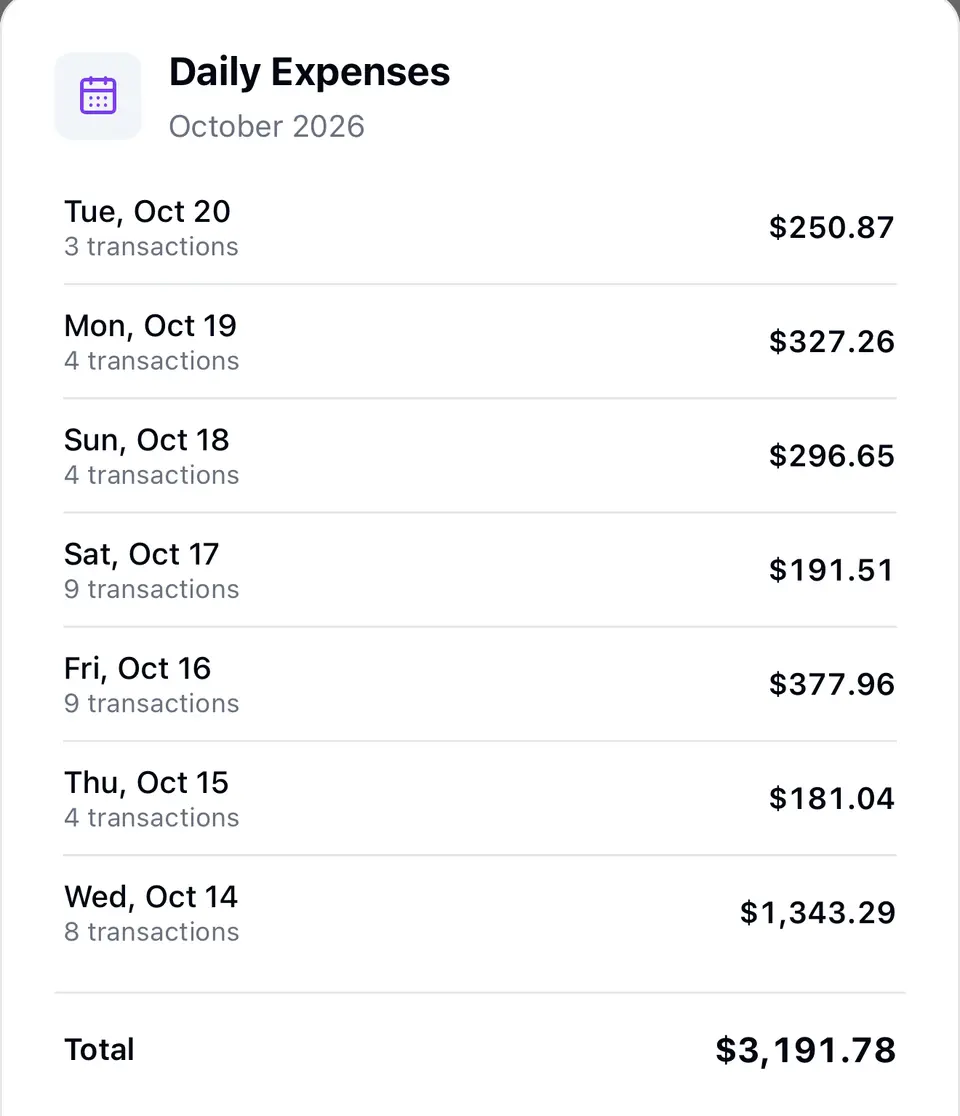
It adds up in yours.
Daily totals and the month, in your main currency.
- Log spending in 160+ currencies
- Add a currency by its code
- Rates saved on your phone after the first download, so logging keeps working offline
Daily reference rates from Frankfurter and ExchangeRate-API. Your bank or card rate will differ slightly.
02 · TRIPS
Trips get their own group.
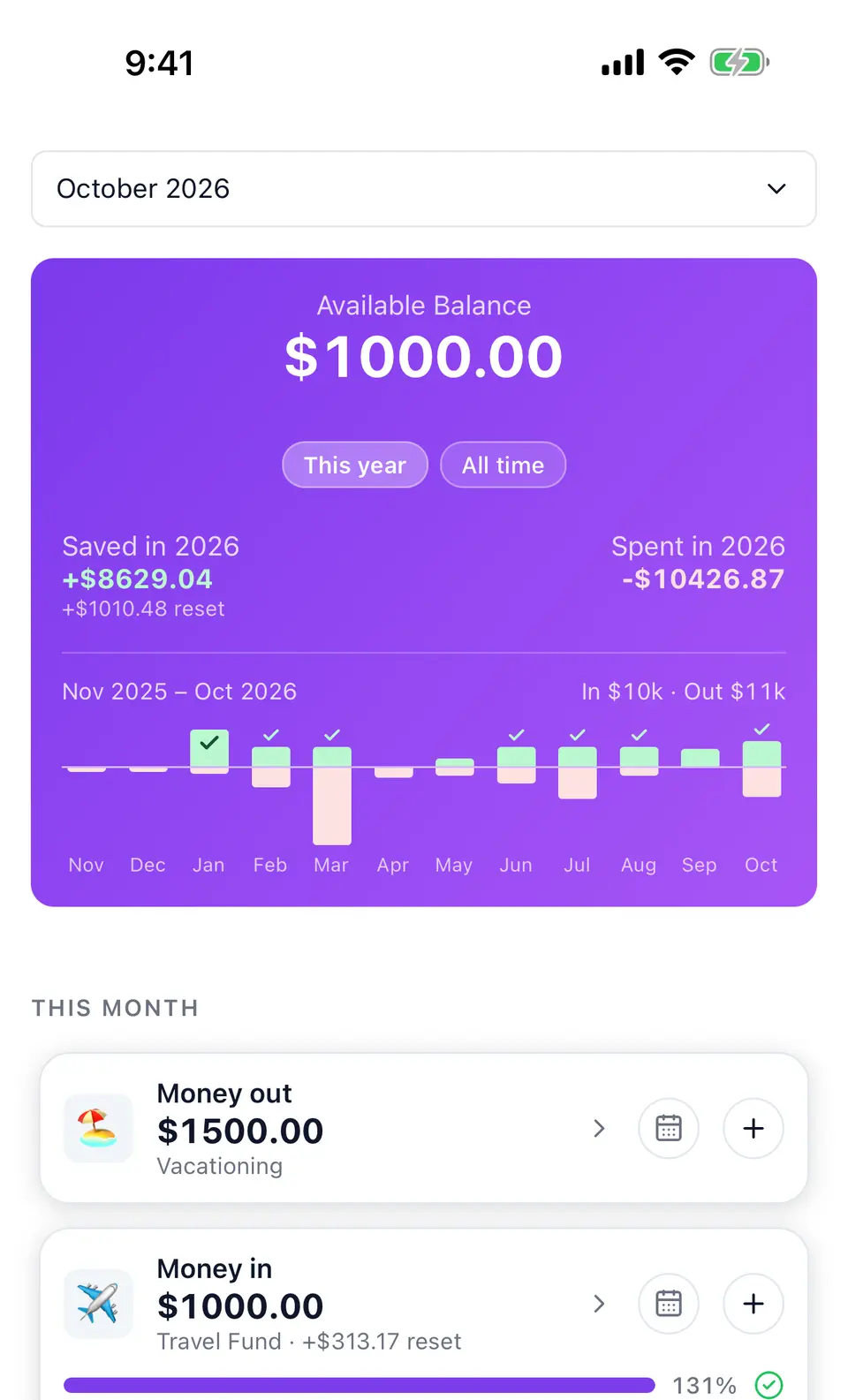
Create a Travel group next to your monthly budget. Money in builds the trip fund, money out is what the trip costs, and the balance rolls over month to month until you use it. A 12-month strip shows each month's in and out, with a tick when you hit the month's goal.
Trip expenses + fund. Rolls over month to month.
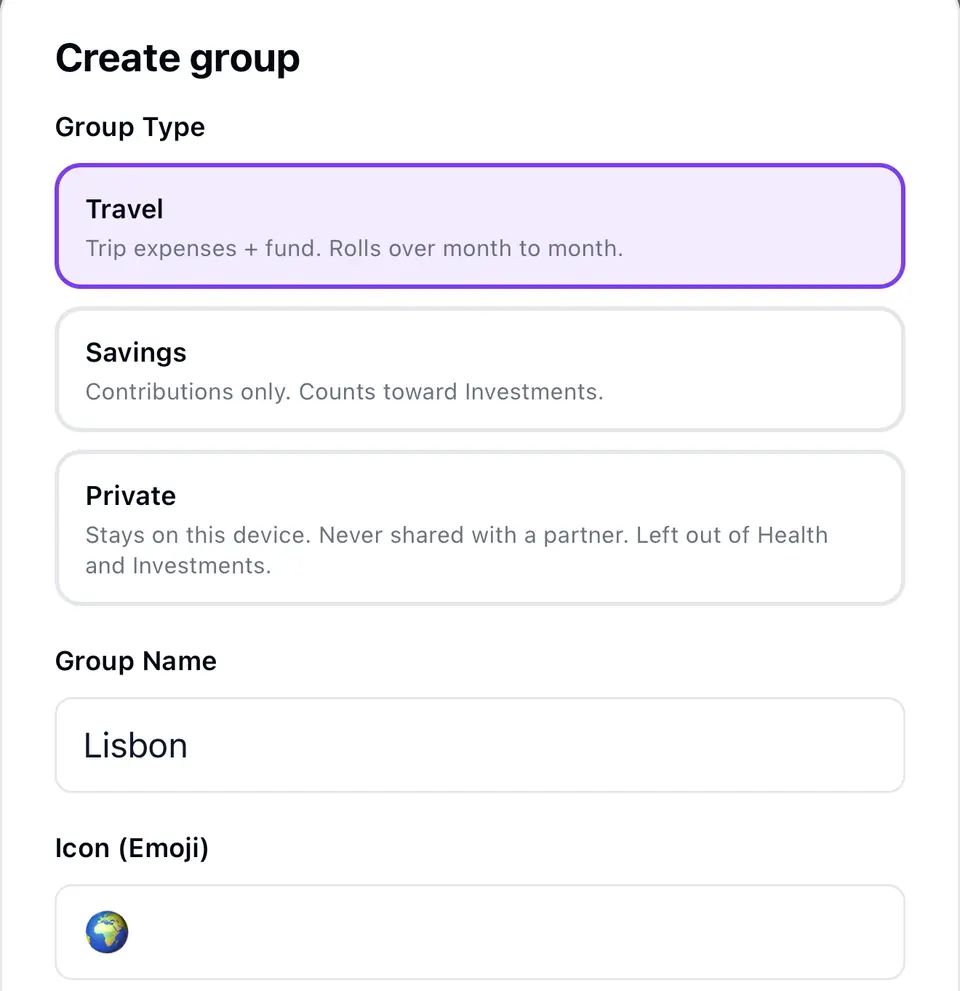
BUDGET AND TRAVEL, SIDE BY SIDE

Saved in, spent in, and what's left for the trip.
The month ahead
03 · THE MONTH AHEAD
HEALTH
Know where the month will land.
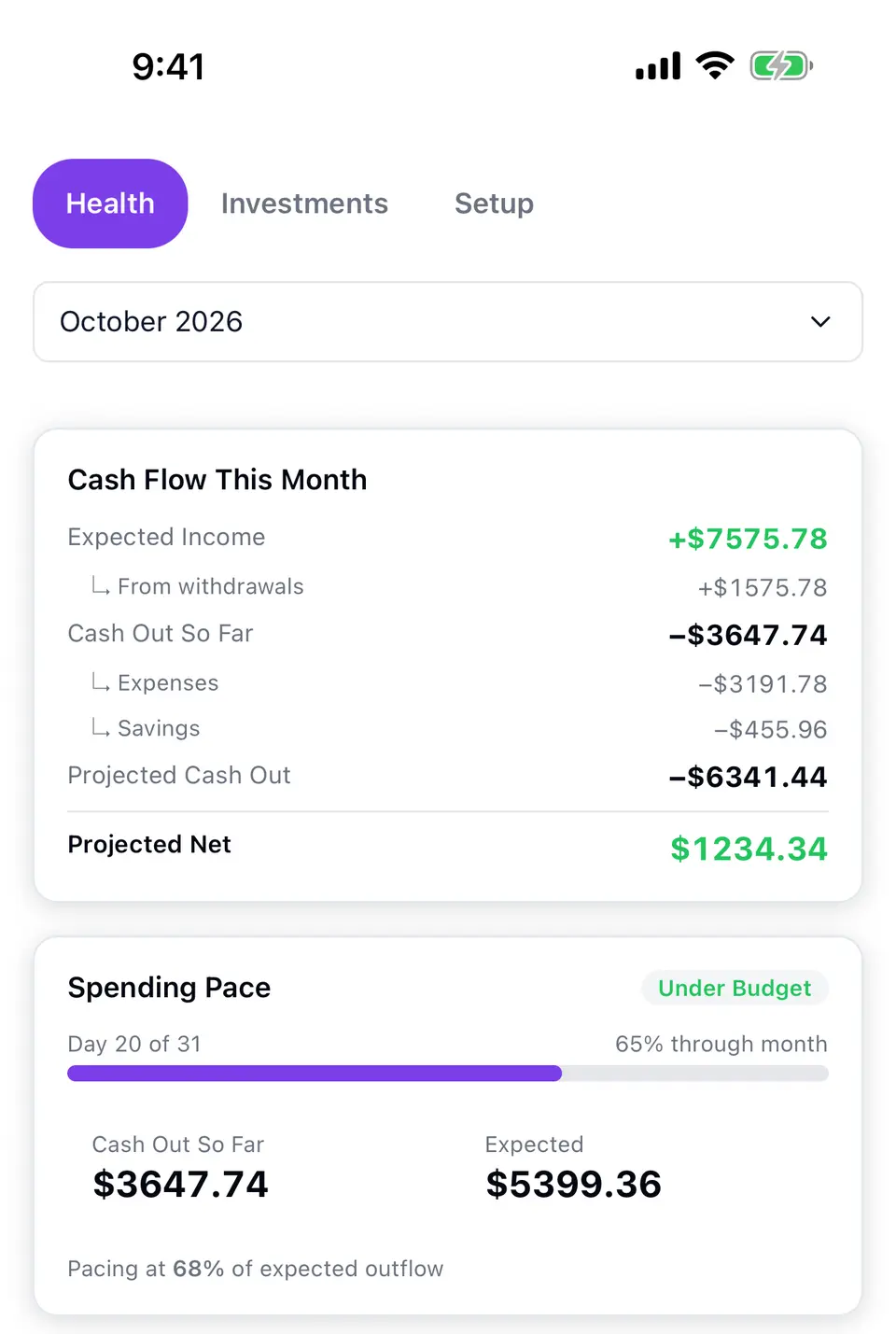
Add your expected monthly income and Health paces your spending against it: cash out so far, projected cash out and projected net. Bills paid early don't count as overspending.
SAME MONTH · DARK THEME
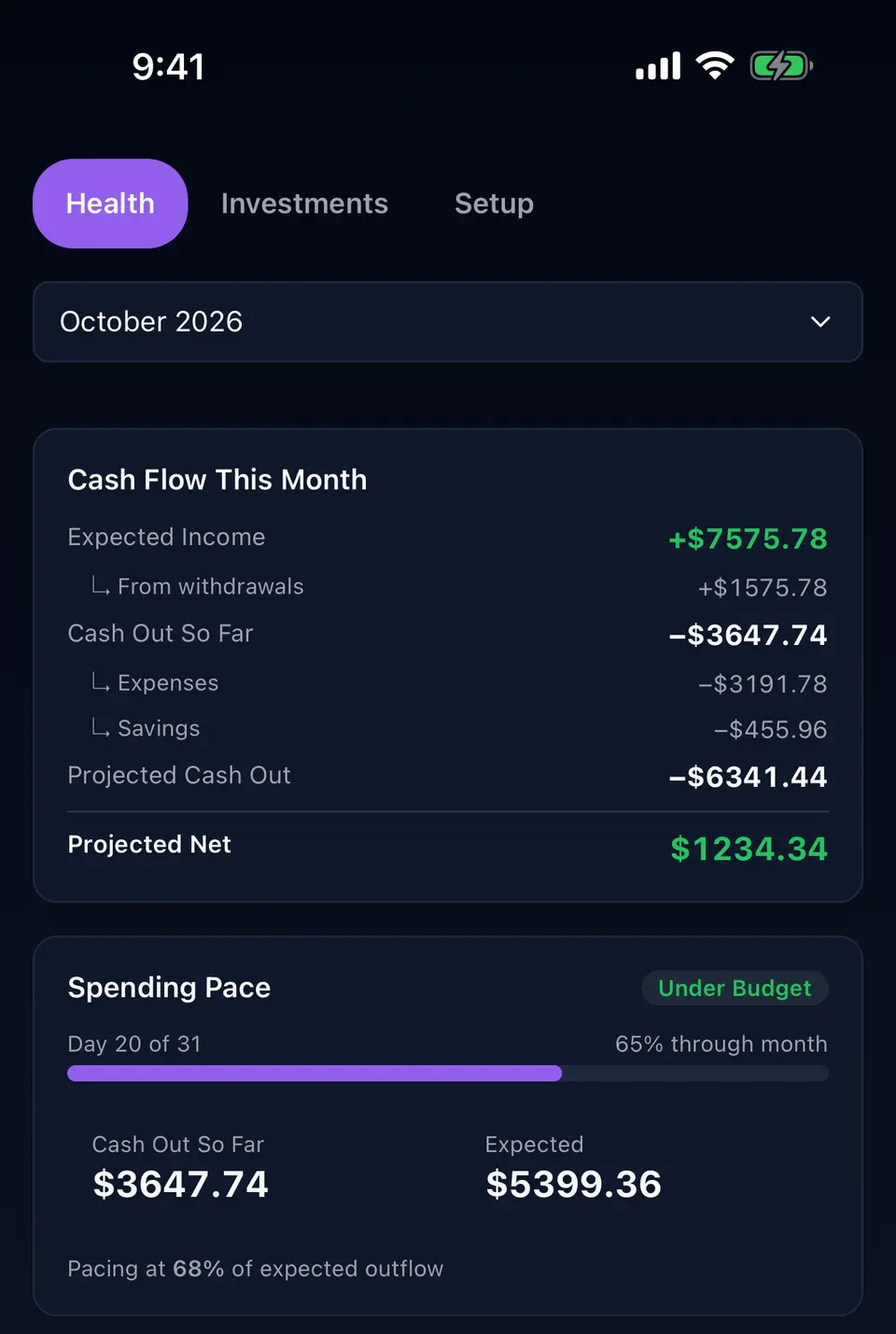
Estimates from your own numbers, not financial advice. Turn Health on at setup or in Settings › Features.
SAVINGS
Track what you put away, and what it's worth.
A Savings group tracks contributions toward a monthly goal. Enter what an account is worth and Noma shows contributed, withdrawn and growth.
EURO DEPOSITS · DOLLAR PORTFOLIO
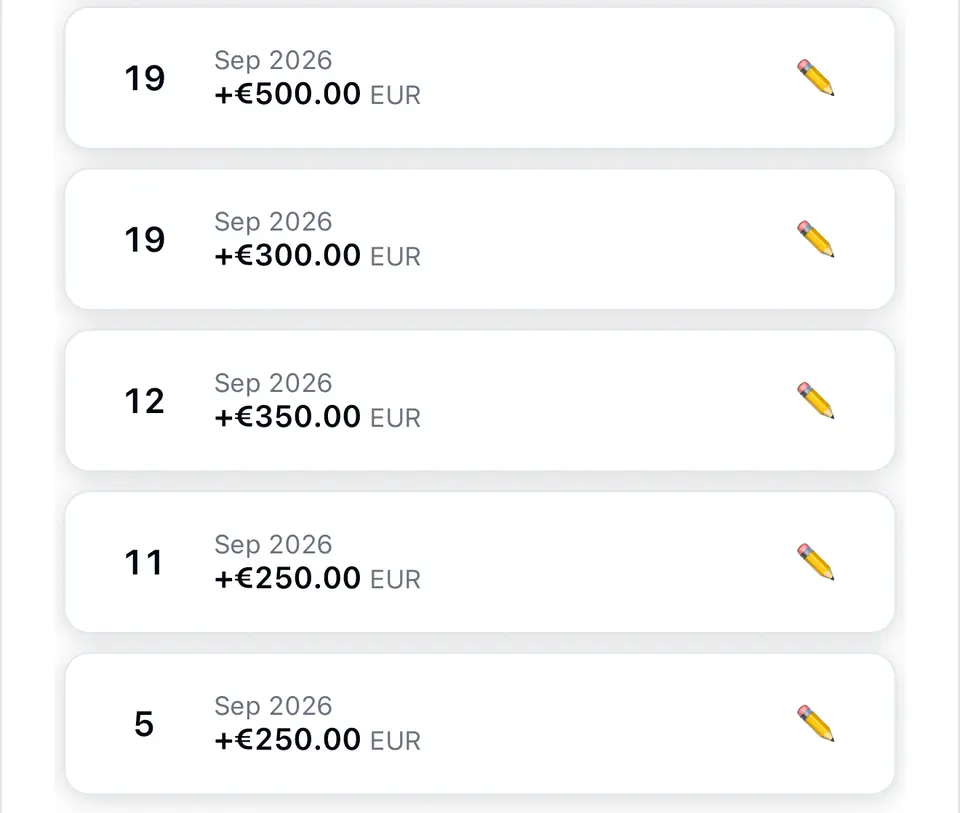
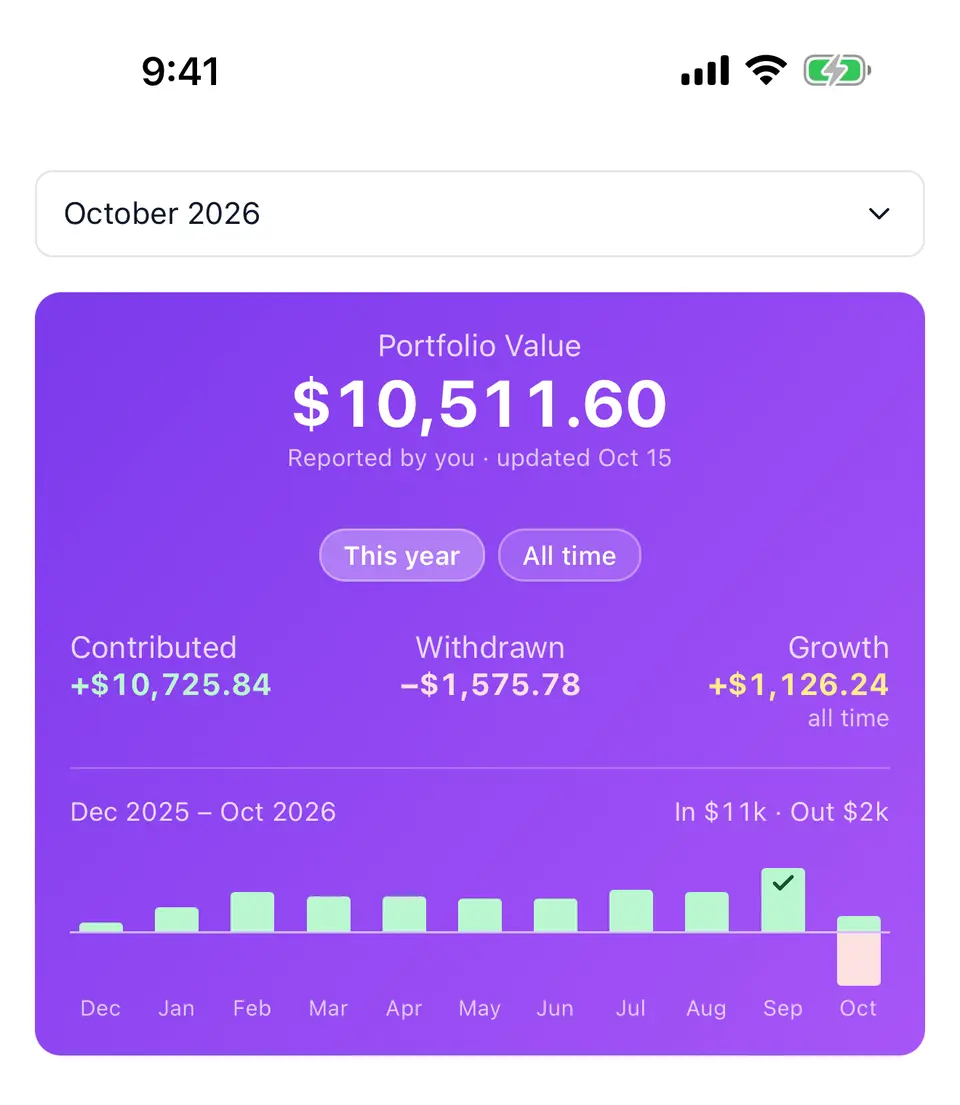
Investments can add a projection at a growth rate you choose: a hypothetical estimate, not advice.
04 · COUPLE SYNC
One budget on two phones.
Pair with your partner and you share one budget: expenses, incomes, savings, categories, budgets and currencies. Either of you can add or edit, even offline. Changes reach the other phone within about half a minute while Noma is open.
Pairing takes a link and six digits read aloud. The shared copy on Noma's server is end-to-end encrypted, so we can't read it. No name, email or password: sync sets up an anonymous account you can delete from the Sync screen. Groups you mark private stay on your phone.
Joining replaces the joining phone's budget, so Noma backs it up first.
Couple sync isn't a backup. Keep a backup file in Settings › My Data too.
How sync handles your data →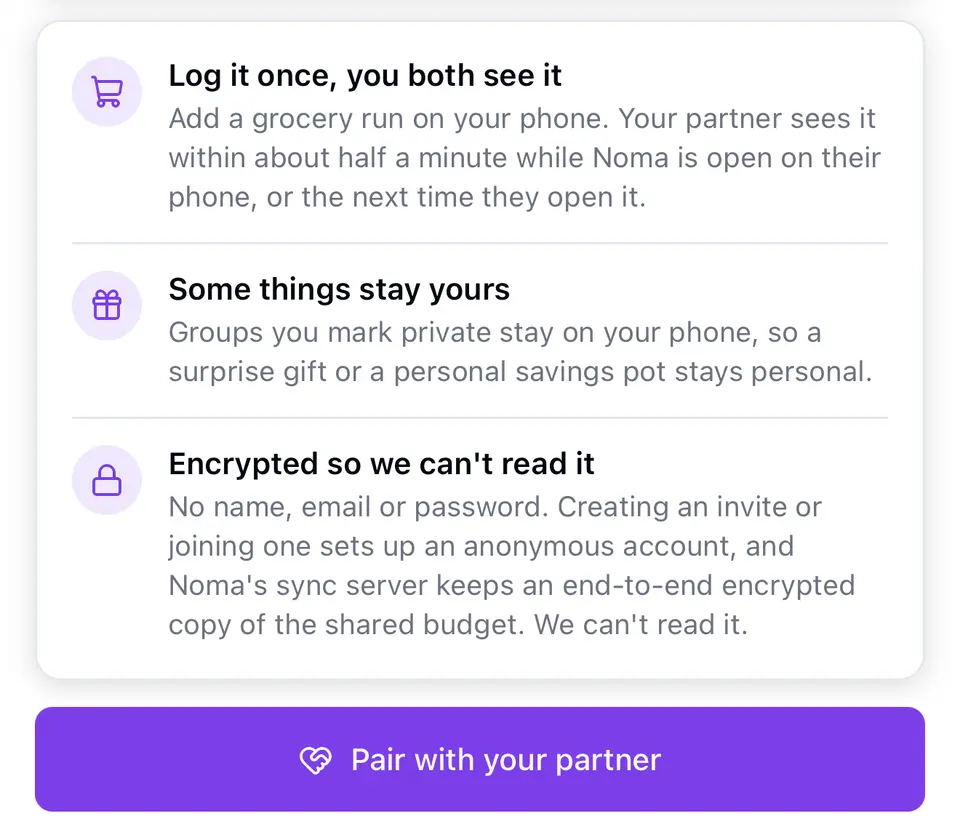
05 · PRIVACY
What Noma doesn't ask for.
Your budget stays on your phone unless you sync it with a partner, and then the shared copy is end-to-end encrypted.
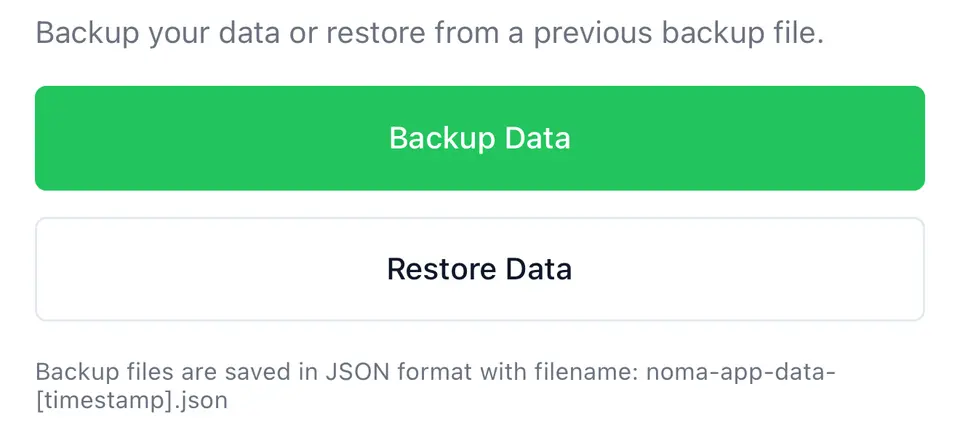
Back up to a file you keep, from Settings › My Data.
No sign-up
No name, email or password.
No bank or brokerage login
You type what you spend.
No ads
No location access
Stays on your phone
Unless you sync it with a partner, end-to-end encrypted.
Backups are a file you keep
A JSON file, restored on a new phone or at setup.
Privacy policy updated November 4, 2026: it now says what we keep when you email us, that a sync account can be closed under the new Terms of Service, and where our contact details are.
06 · THEMES
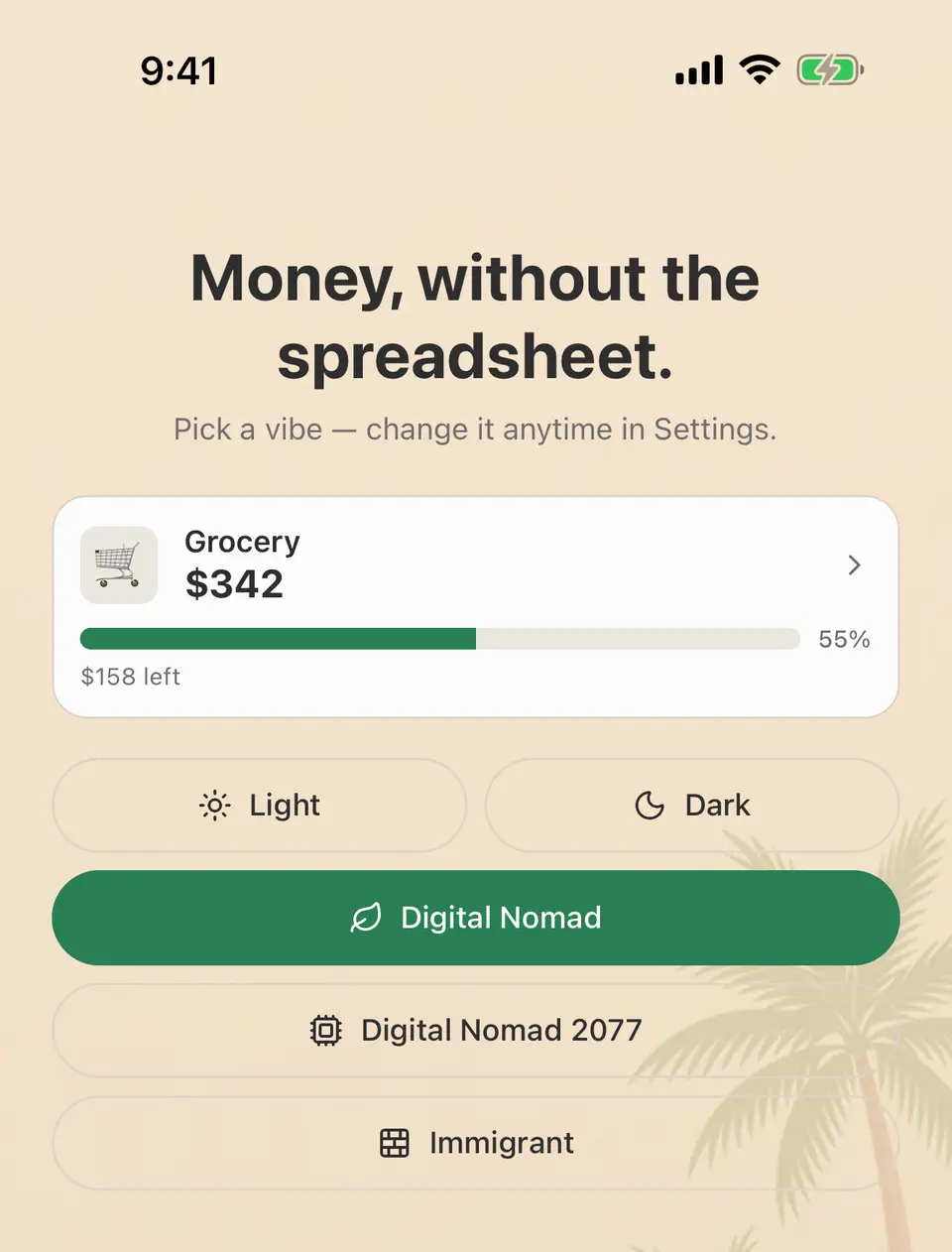
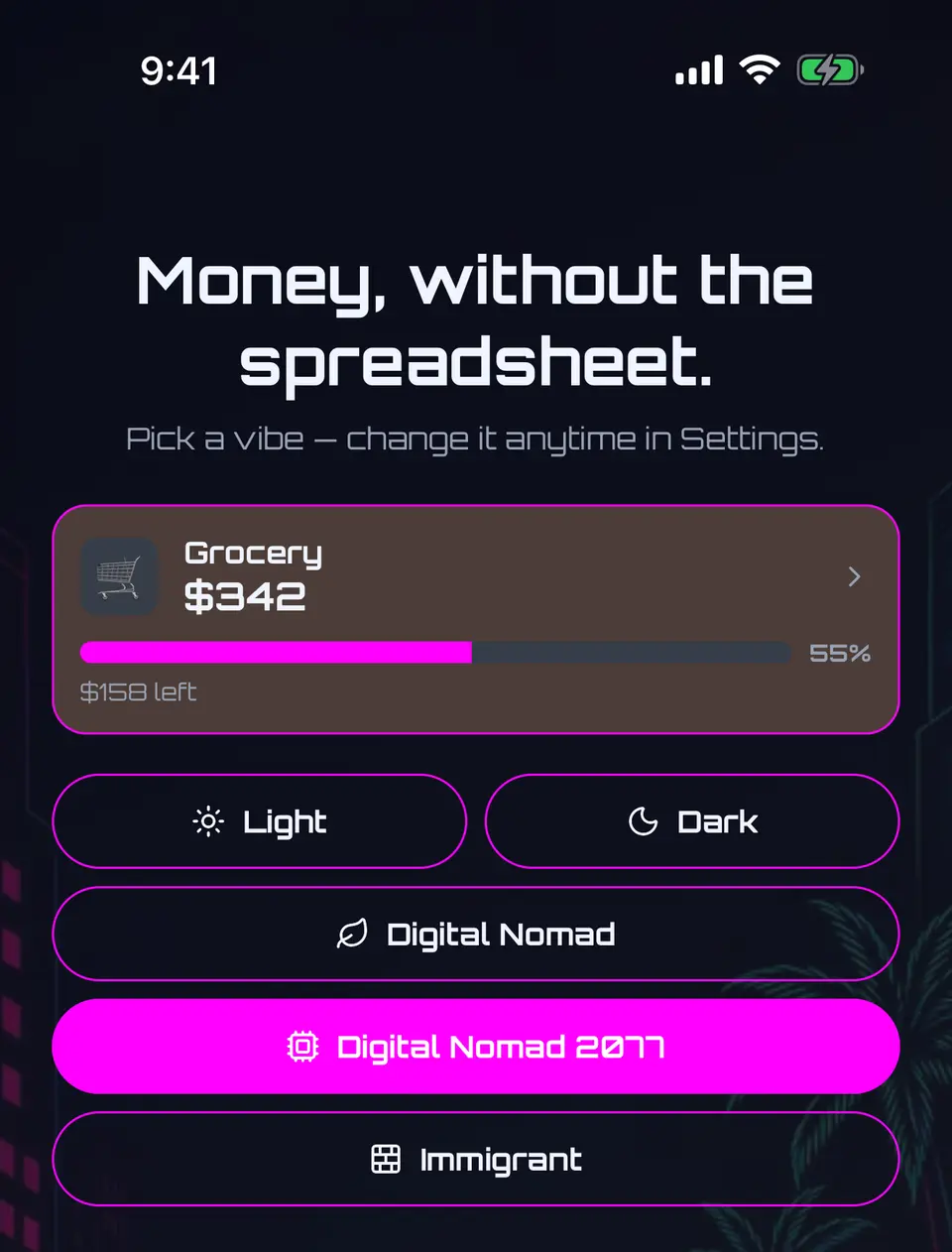
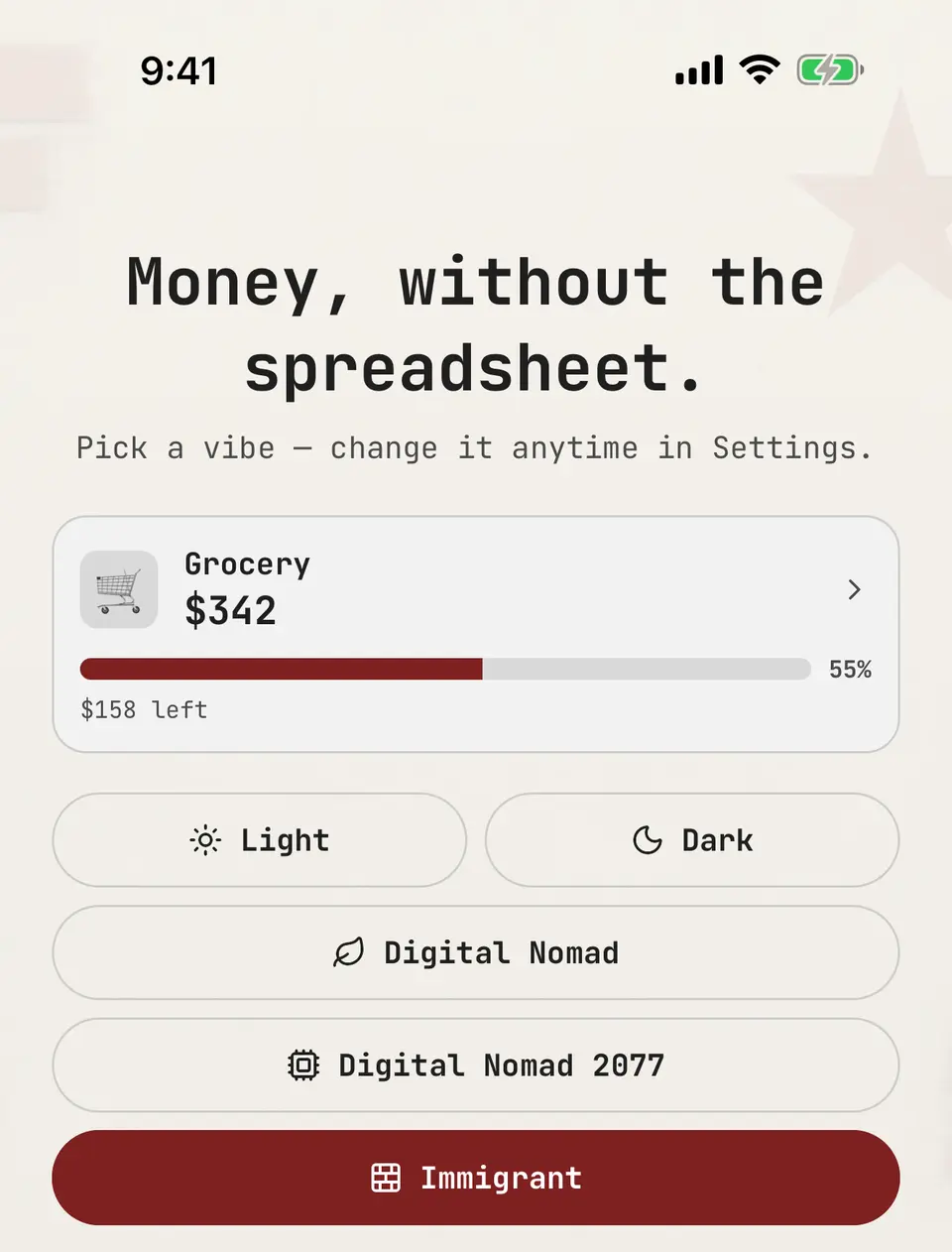
Five themes. Same numbers.
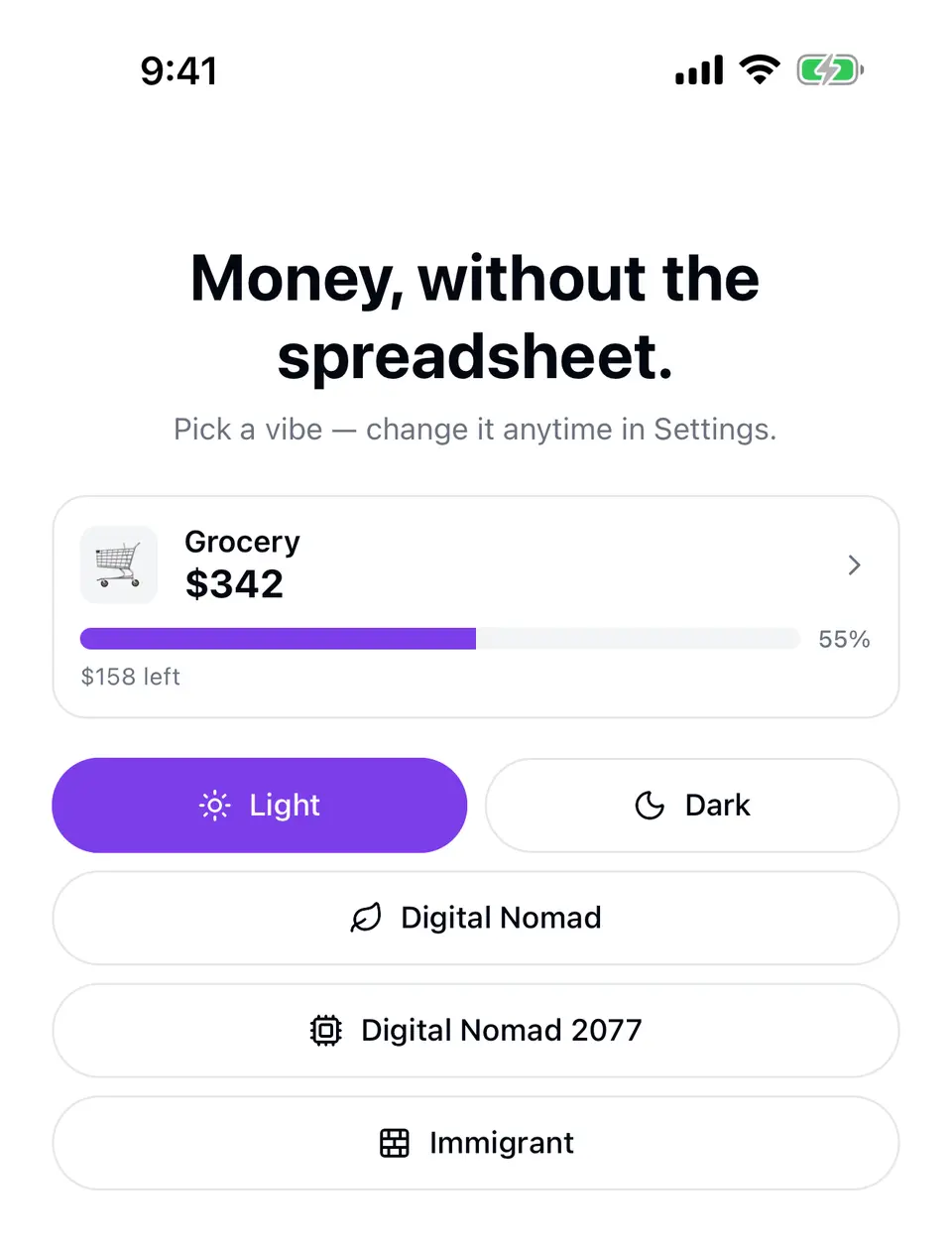
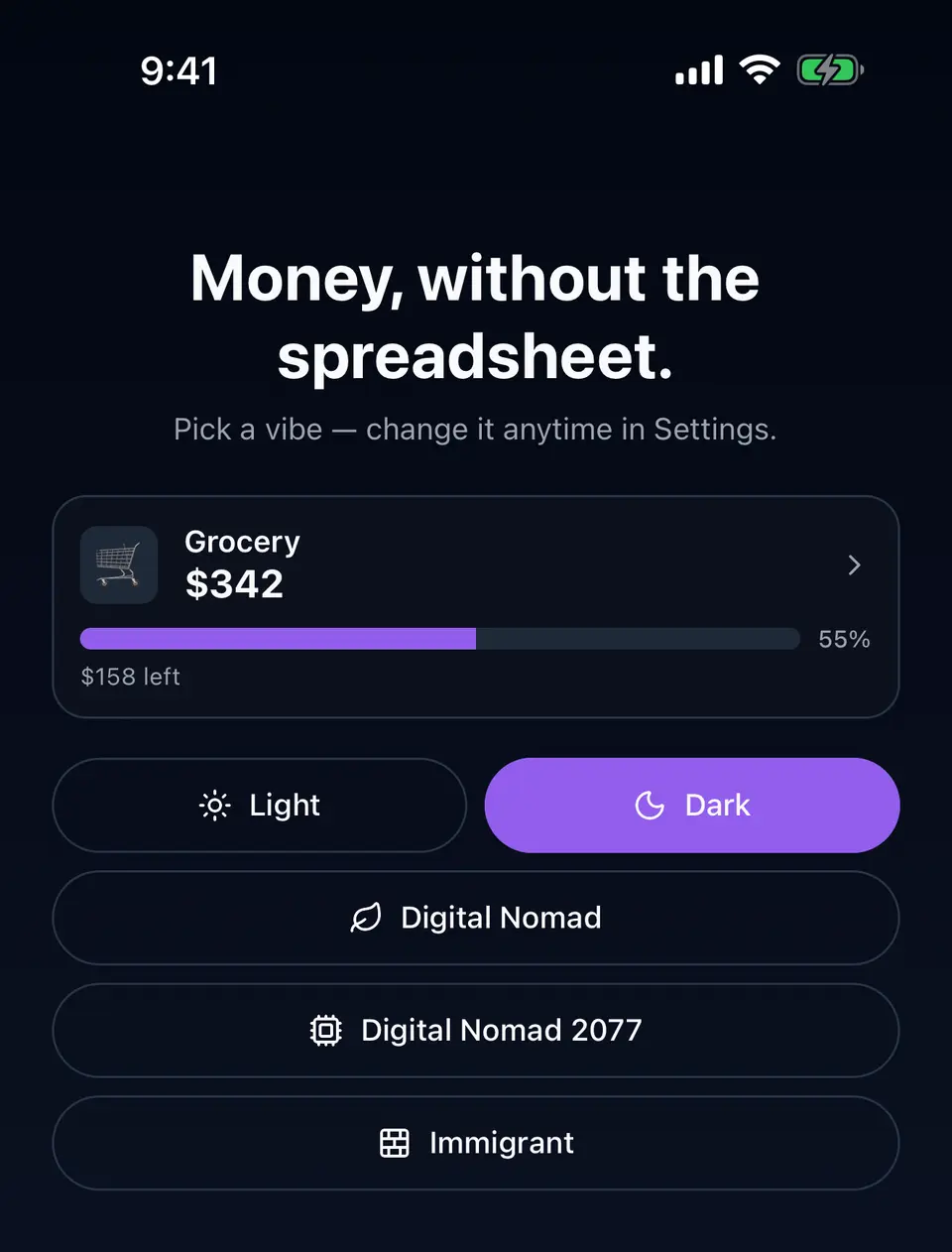
Light, Dark, Digital Nomad, Digital Nomad 2077 and Immigrant. Each changes the palette and type, never the numbers. Pick one at setup and switch any time in Settings › Theme.
Start with your next expense.
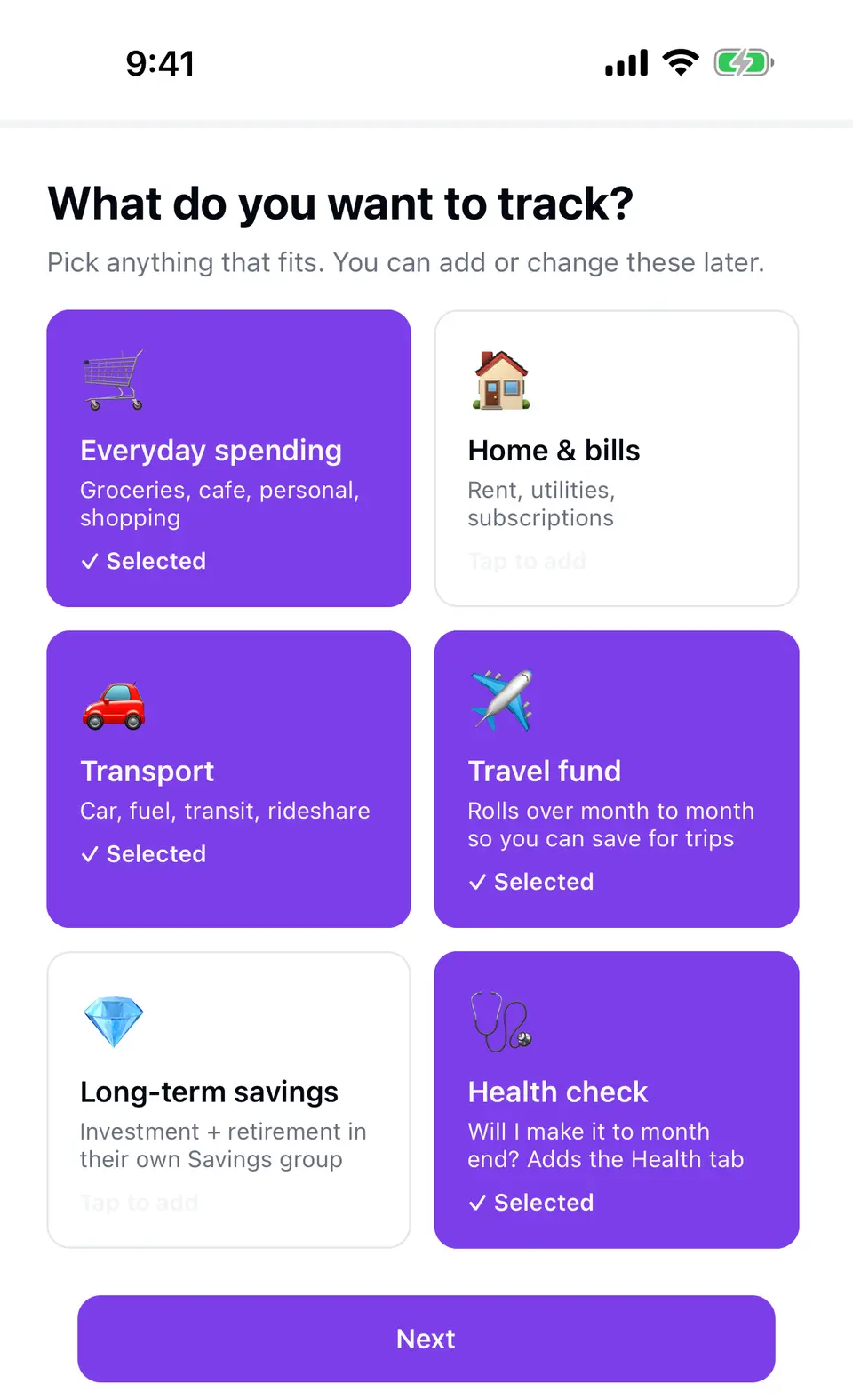
Free on iOS and Android. Setup asks for your currencies and what you want to track, or restores a backup you already have.
Free · No sign-up · No bank login · No ads
Availability varies by country.

Made by one person who needed it.
Noma is built and run by Dmitry Khorev, an independent developer based in Spain. Built for personal use first. Support email goes straight to the maker.